Performing a peg-in using Leather Software Wallet
Using Leather Software wallet to perform a peg-in
In this guide, we will be using the PowPeg App for unlocking Leather, access peg-in to use Leather, and verify if peg-in is active.
Acessing pegin to use Leather
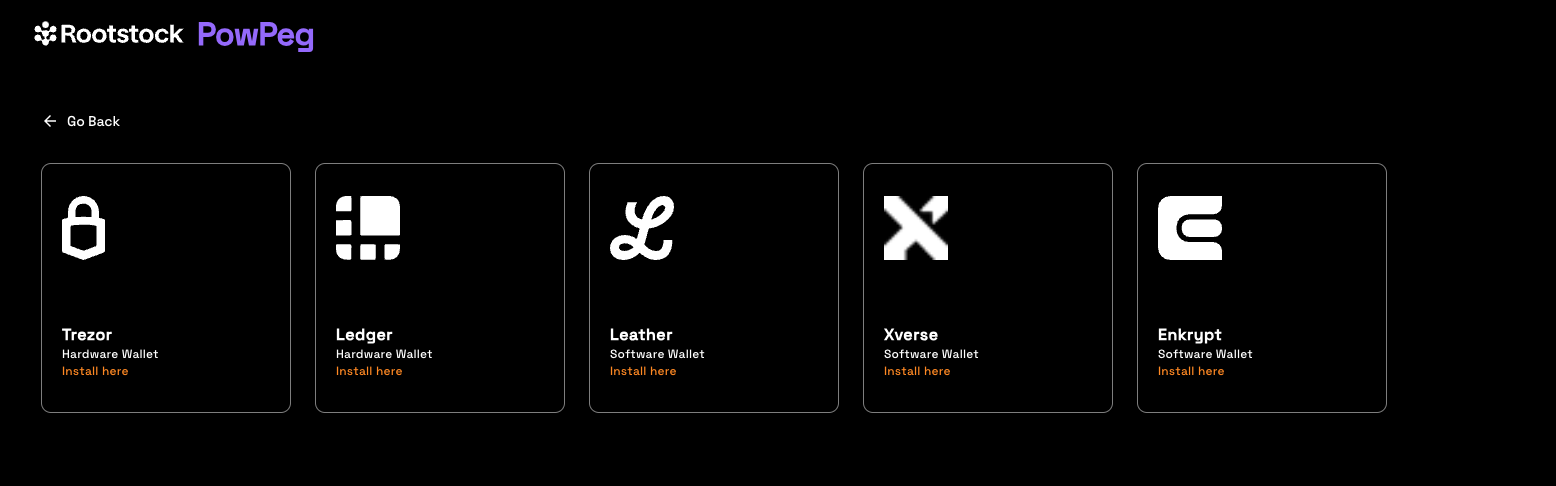
After click on Leather button, you will see the pegin Leather page, then the PowPeg will connect with your Leather wallet.
NOTE: To know how to install the Leather chrome plugin, go to Leather Page.
Unlocking Leather
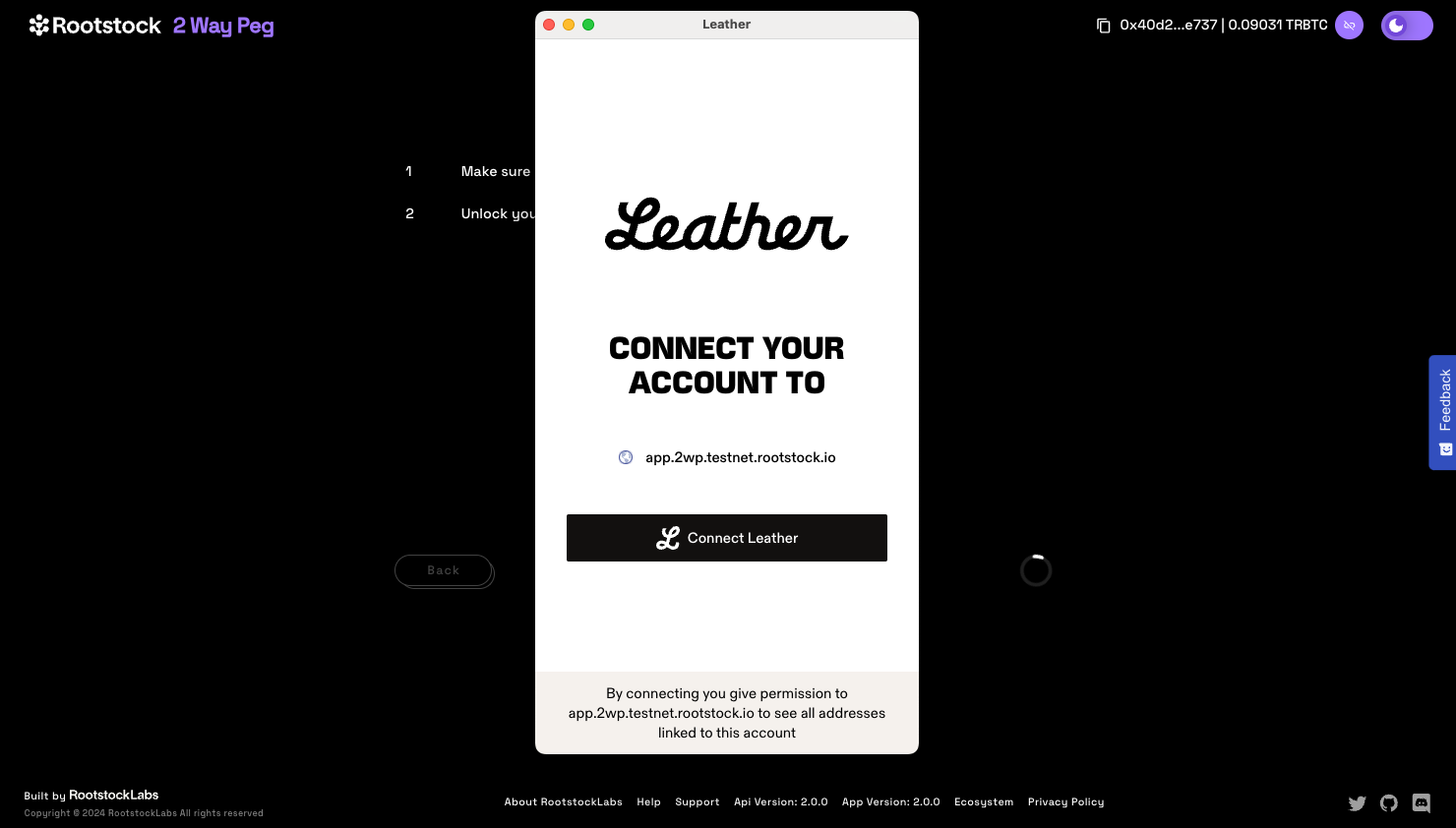
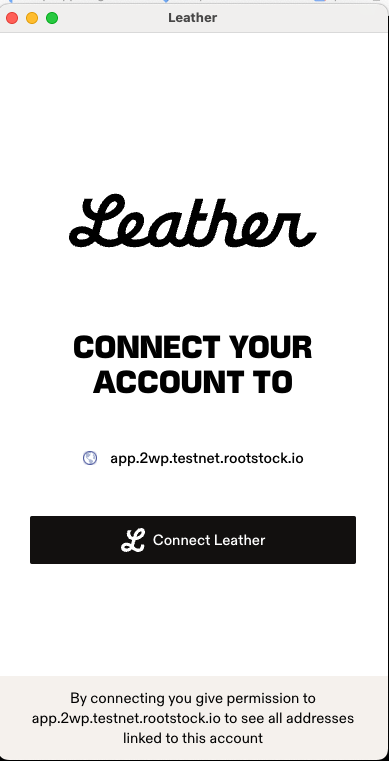
Unlock Leather using the same password that you created in the installation.
Using Correct Network on Leather
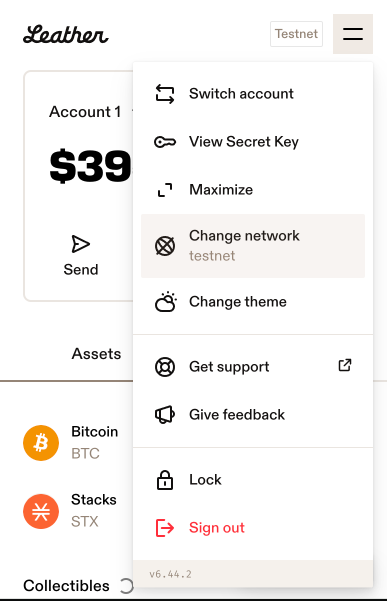
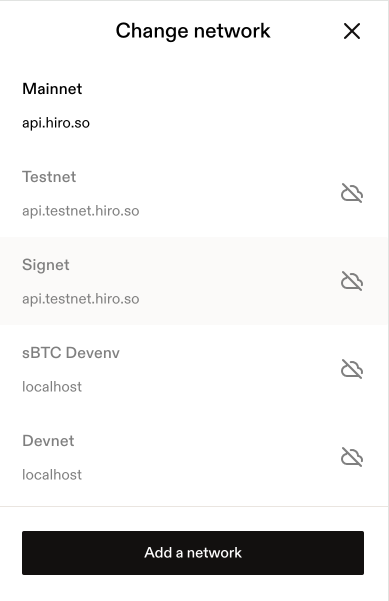
If you see the message below, it means that your Leather wallet is in the incorrect environment, change it to the correct environment and try again.
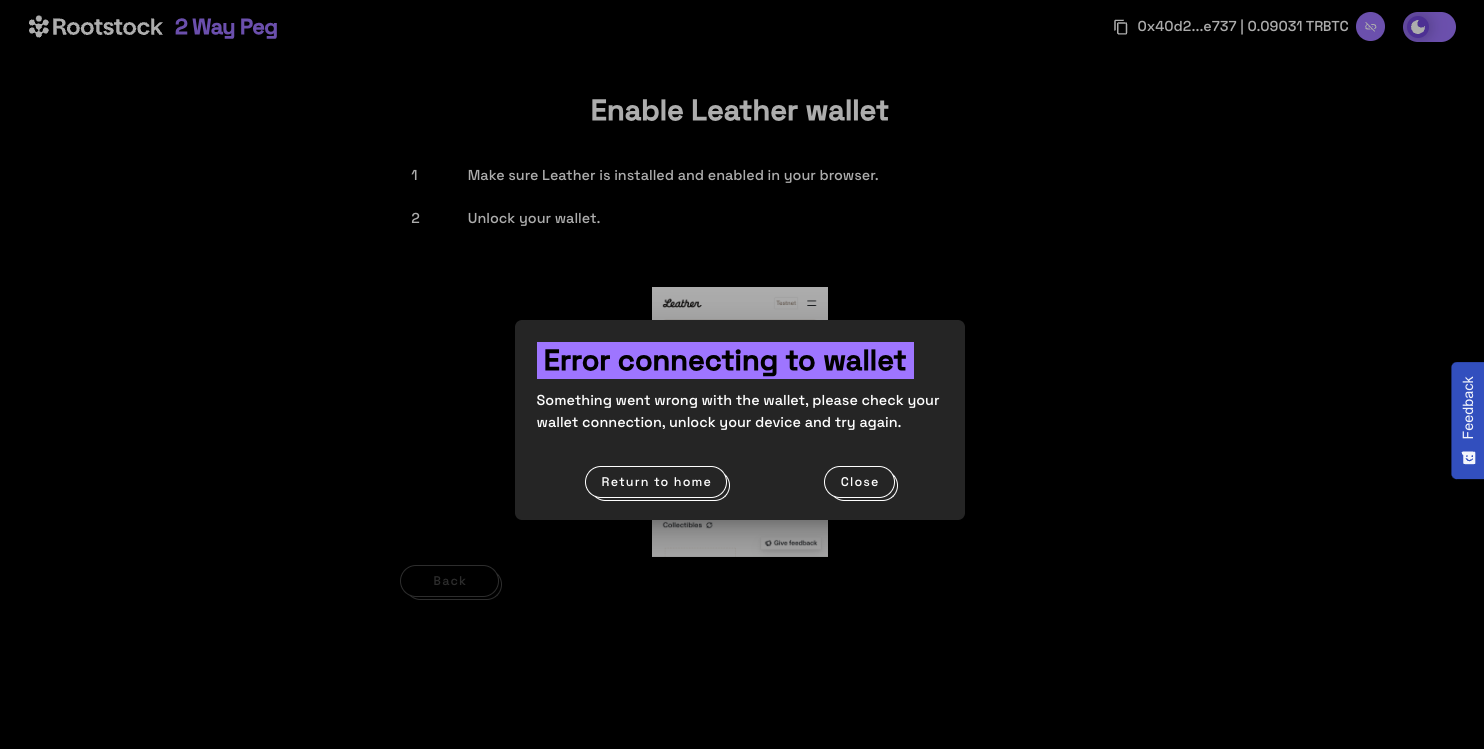
Select the correct environment on Leather:
Verifying if the plugin is active
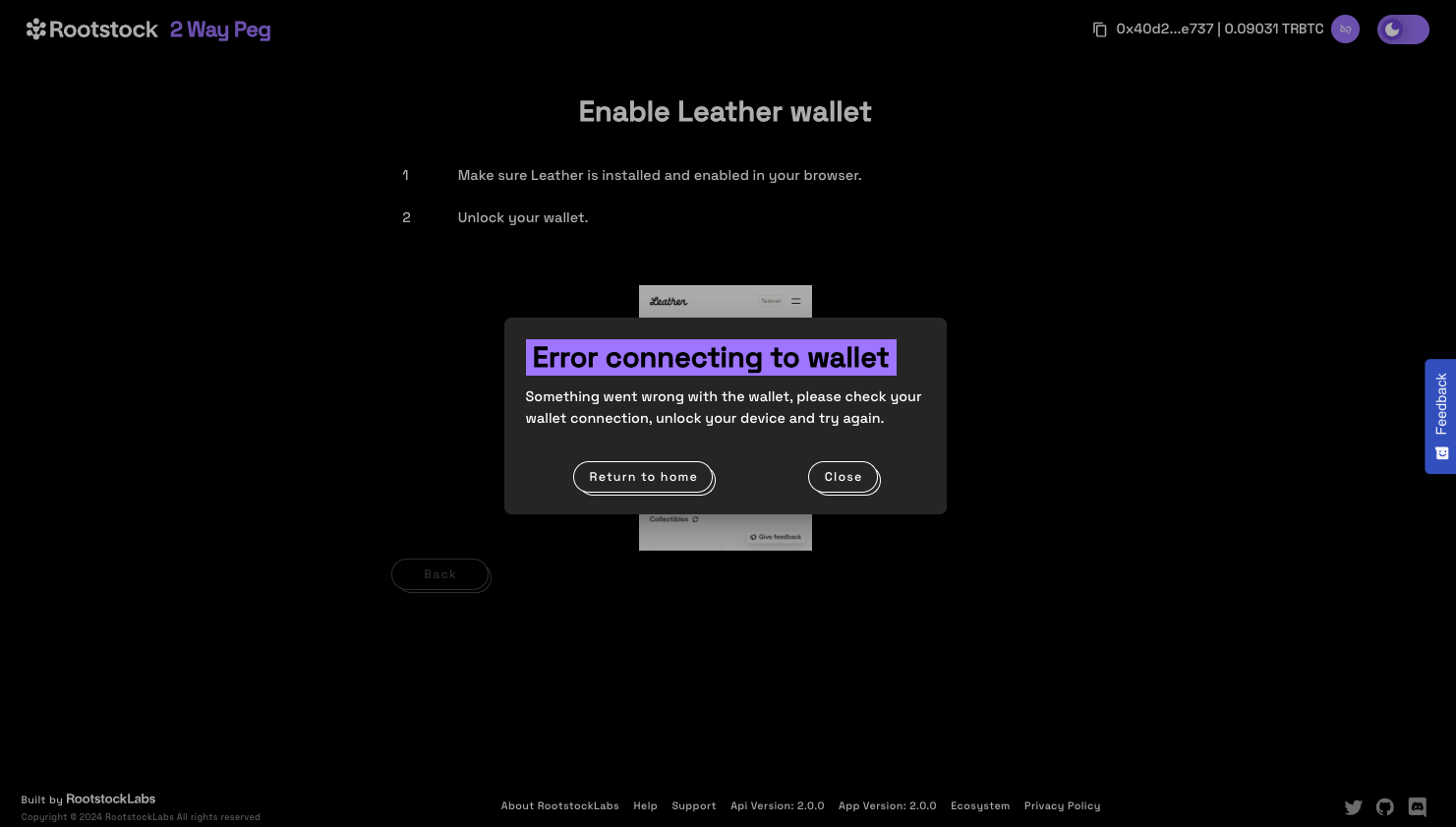
If you see the message below, it means that your Leather wallet is not enabled, change it to enable and use the software wallet.
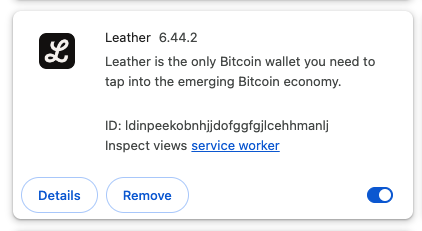
Go to chrome (manage extensions)[chrome://extensions/] and active your Leather wallet
Step 1: Creatting a transaction
Enter Amount
The next step is to enter an amount you would like to send. The amount entered appears in the BTC field, and you can see the corresponding amount in USD under transaction summary.
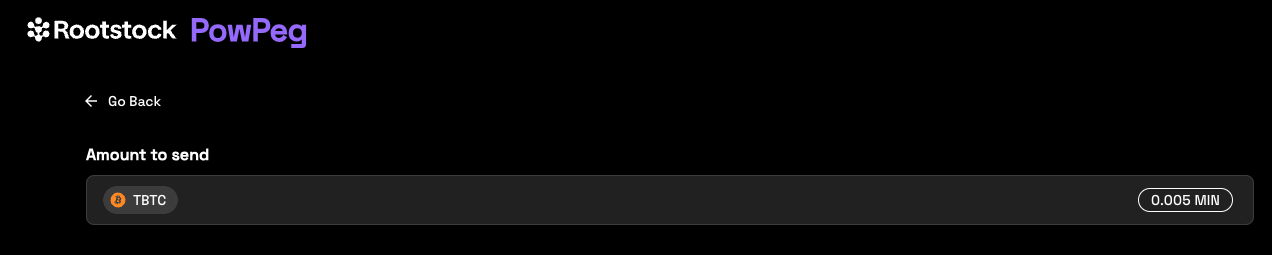
- The minimum amount to send to perform a pegin operation is 0.005 BTC, any amount less than this throws an error message: “You cannot send that amount of BTC, you can only send a minimum of 0.005 BTC”.
- The minimum amount to send to perform a pegout operation is 0.004 RBTC, any amount less than this throws an error message: “You cannot send that amount of BTC, you can only send a minimum of 0.005 BTC”.
- The maximum amount to send to perform a pegout or pegout operation is 10 RBTC / BTC, any amount greater than this throws an error message: “The maximum accepted value is 10”.
- Note that the amount sent in BTC is the same amount to be received in RBTC on the Rootstock network.
Step 2: Enter address
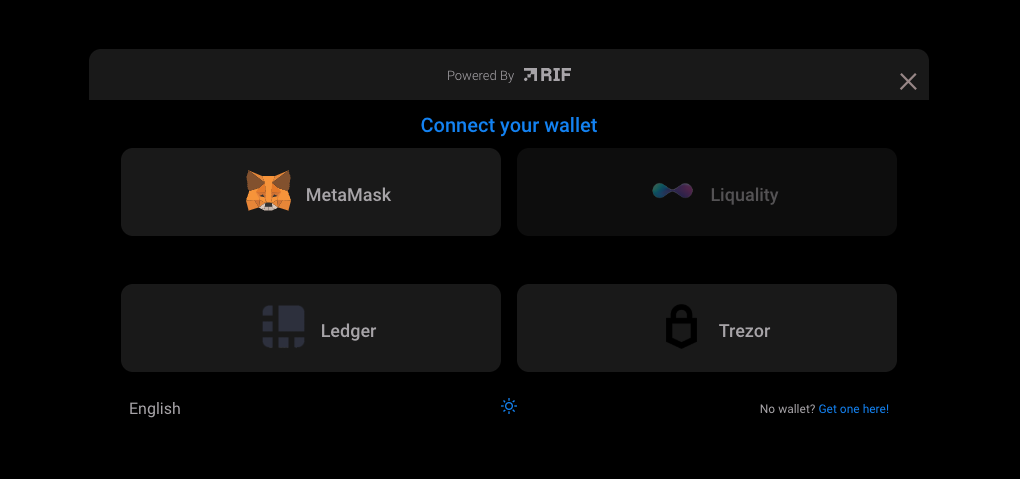
To enter an address, we are provided with two options:
- (1) Your connected Rootstock address. See Account based addresses
- (2) Connect to a software wallet. E.g, Metamask. Here, the address is automatically filled in by the account that is connected to your metamask wallet.
Step 3: Add a custom address
Also you can input a custom Rootstock address, different than the connected address.
Step 4: Select Transaction Fee
Here, we can select the fee that will be used for this transaction, this is set on default to average.
Step 5: Select Mode
In this section, we will see 2 options, Fast Mode and Native Mode:
- Fast Mode uses Flyover Protocol to search for quotes, is faster than Native Mode, is provided by an Liquidity Provider, which in turn charges a fee for the service, called a provider fee.
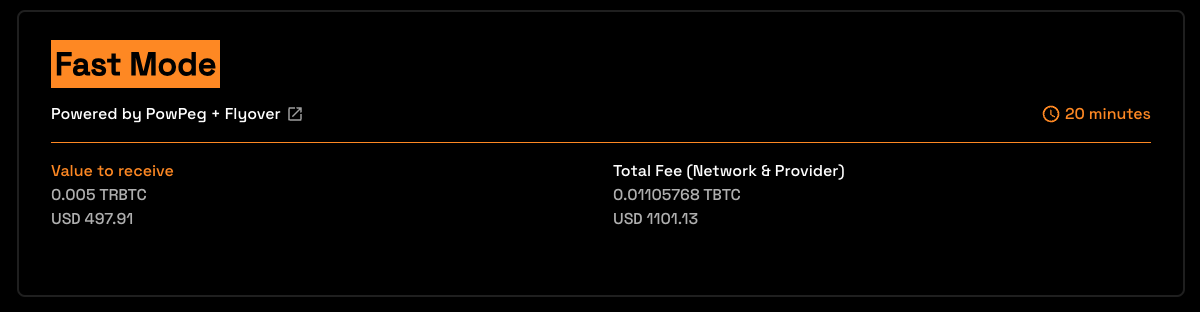
- Native Mode uses PowPeg Protocol that is decentralized, permissionless and uncensorable protocol created by Rootstock Labs, generally is slower than Fast mode and the user needs to pay only the network fees.
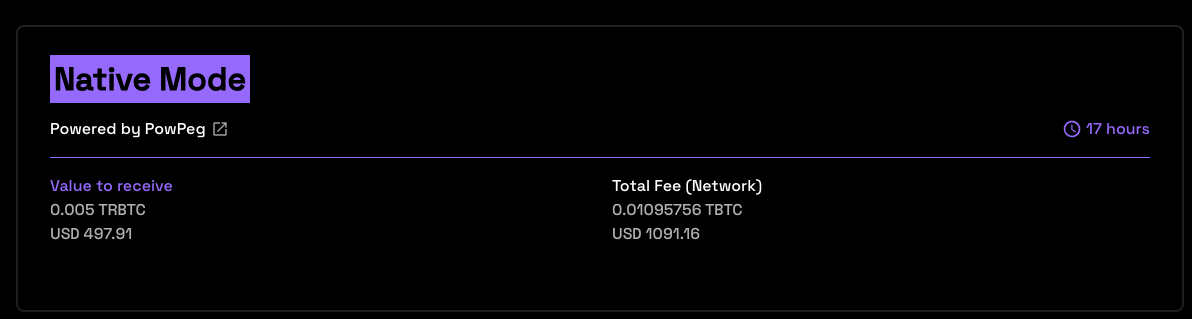
- Value to receive: The estimated amount to receive when transaction finishes.
- Total Fee (Network & Provider): The total fee paid, network fee (BTC Fee) + provider fee (not applied).
- In the instance of an error on this transaction, the amount will be sent to the address indicated in the refund Bitcoin address located in your hardware wallet.
- See the glossary section for the meaning of these values.
Step 6: Confirm the Transaction
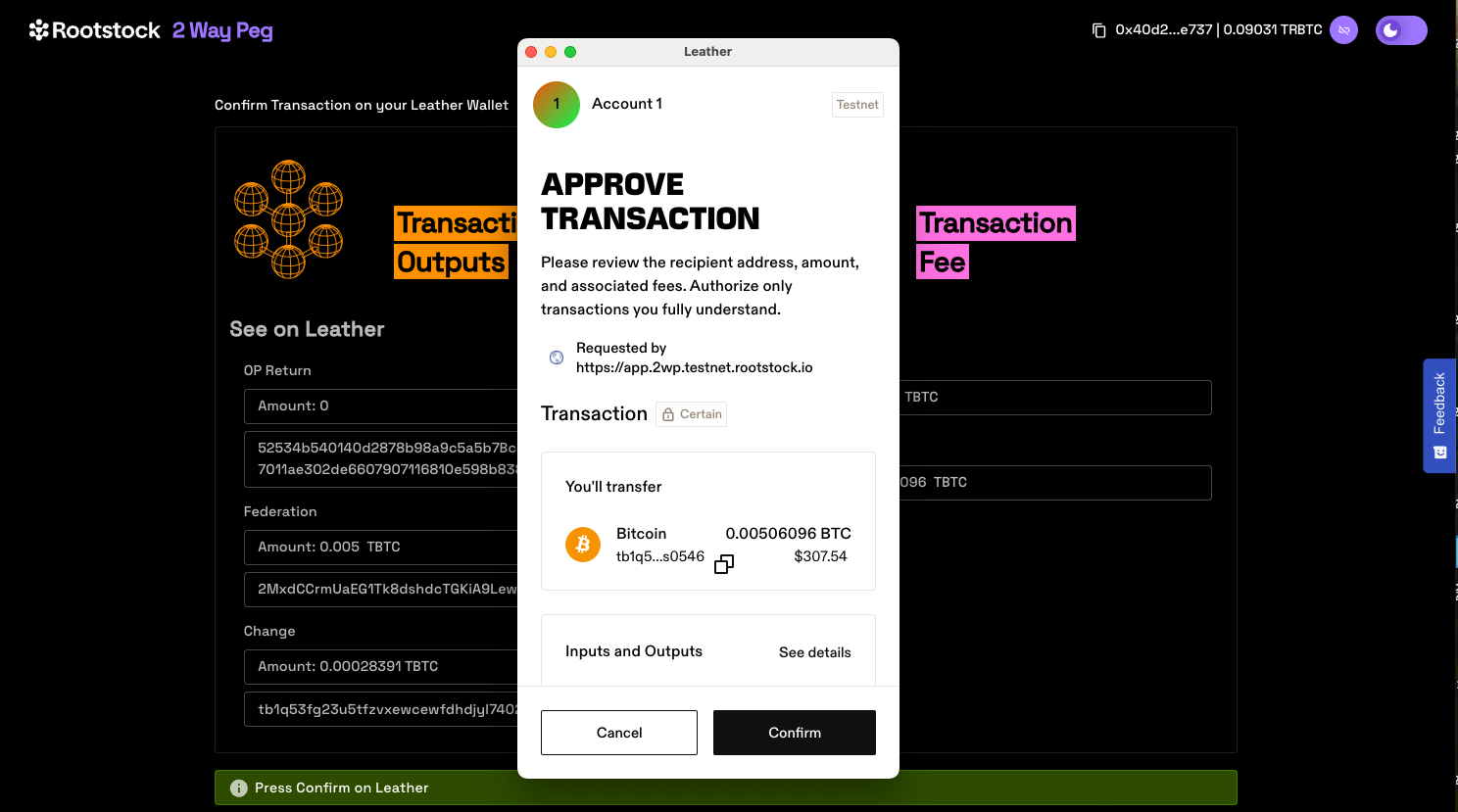
Step 7: View transaction status
This shows the status of your transaction, with a transaction ID and a link to check the transaction on the explorer.
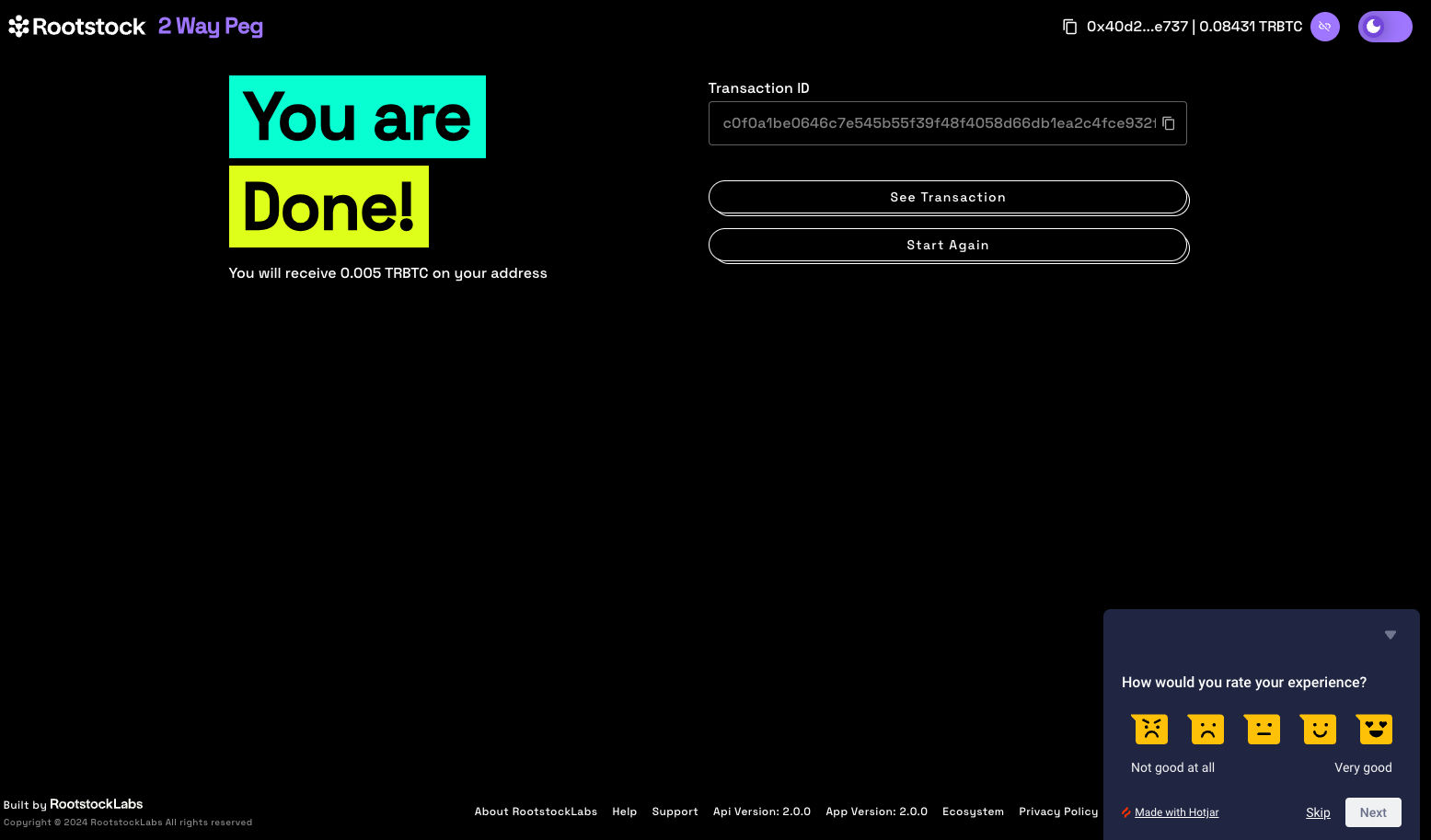
By clicking on the See Transaction button, the user can check the status directly in the transaction status page, by clicking in Start Again button the user can perform another transaction.
See the Viewing Peg-in Transaction Status section for more information.
Now you have successfully performed a peg-in transaction using the PowPeg App.